

1. Log in to your Purely.Domains account.
2. Go to your My Domains page.
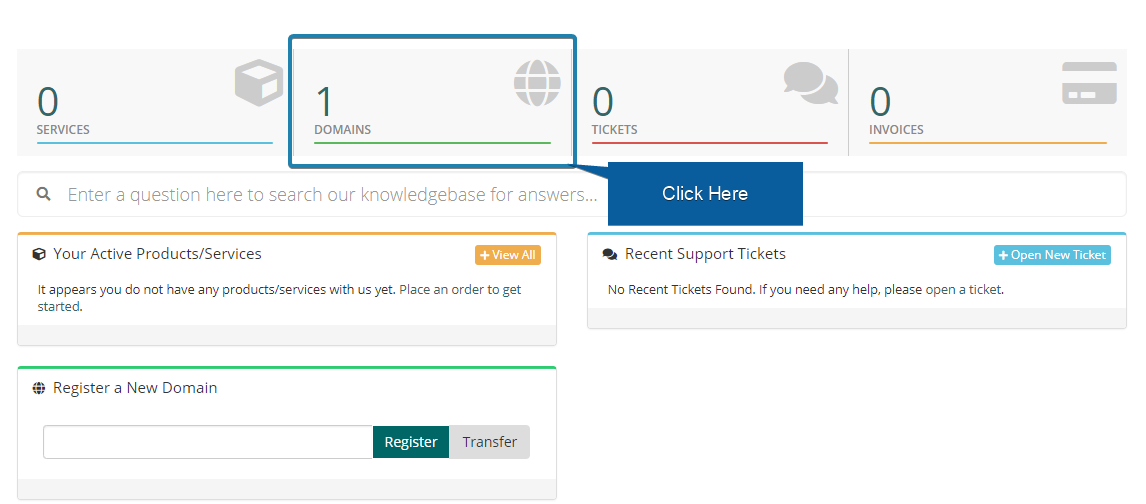
3. Next to the domain you wish to manage, click the arrow to show the drop down menu and click 'Auto Renewal Status'.
4. It will now either say if it is 'Enabled' or 'Disabled'. You can choose to click 'Disable Auto Renew' to disable auto-renewal or 'Enable Auto Renew' to enable auto-renewal depending on the current auto-renewal status.